 United States

EasyReader Personal Features
Discover the premium features available in EasyReader Personal
All the Benefits of EasyReader App
With an EasyReader Premium plan, you maintain all the features available in the EasyReader app, including:
- A direct connection to over 50 accessible book and newspaper services around the world
- The EasyReader accessible reader, which you can customise to your own reading preferences
- The ability to use on any device, including iOS, Android, Amazon Fire and Windows computers
In addition to these accessible reading features, an EasyReader Premium plan provides you with exclusive features that enable you to read more, organise and navigate your books and save your reading material across devices.
Reading Across Devices
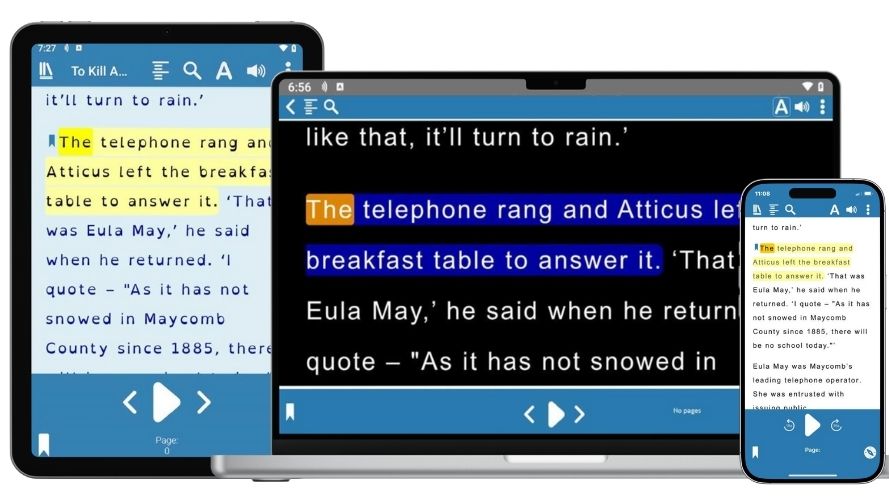
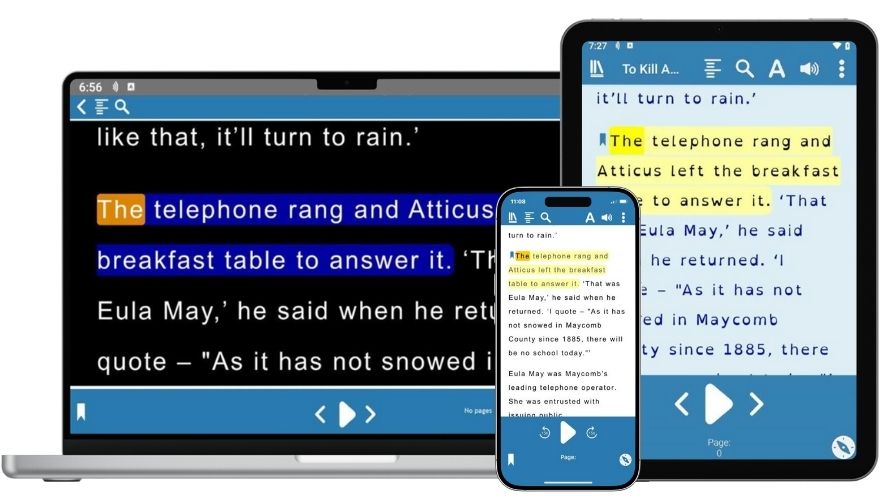
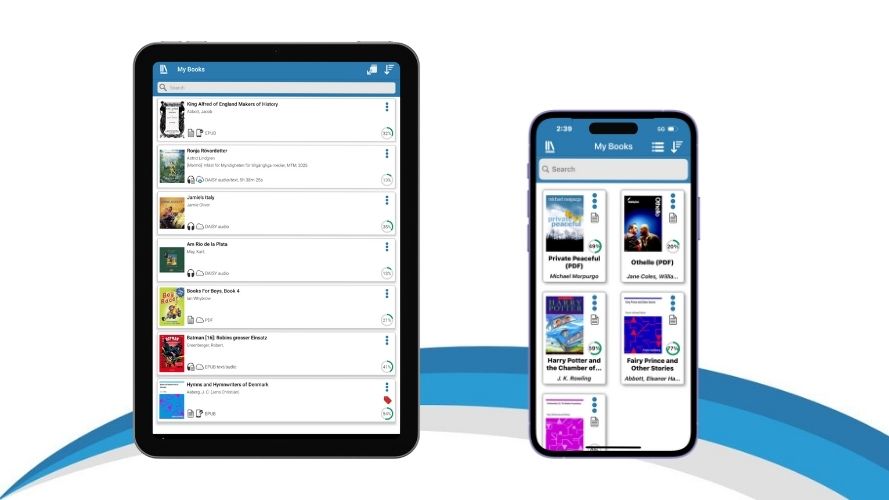
EasyReader Premium securely saves your book list and reading positions across devices, so you can log into EasyReader on any device you own, to access your reading list, and continue reading where you left off.
EasyReader Premium synchronises:
- Your saved reading preferences - including fonts and colour schemes
- Your library logins
- Your bookmarks and notes
- Clipboard texts
- Voice pronunciations
Organise Your Reading Lists
With EasyReader Premium, you can organise your reading lists with Tags.
With this exclusive premium feature, you can give books colour-coded Tags, which you can then access quickly using filters.
You may choose to use the Tags to organise and sort your books by subject, genre or author; or separate the books you read for pleasure from those you read for work or study.
Clipboard Texts
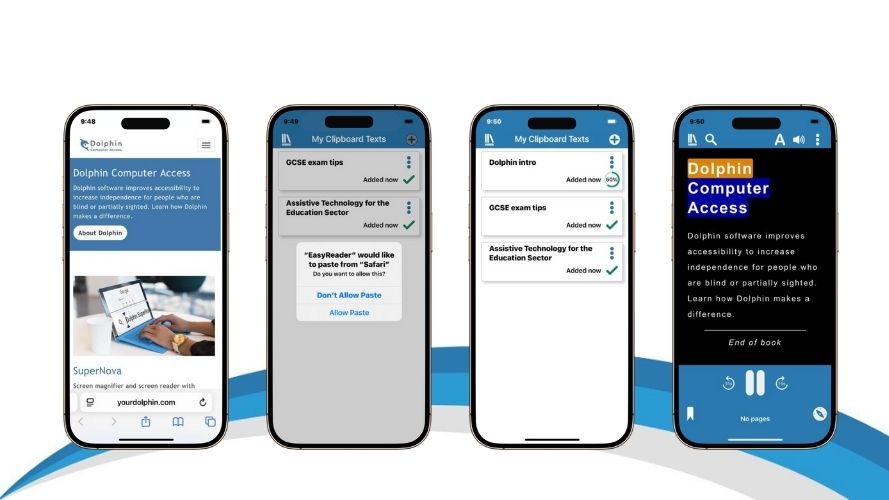
Copy text from web pages, emails and documents to read with your own accessibility preferences in EasyReader.
An EasyReader Premium plan enables you to import as many clipboard texts as you like, without limitations.
EasyReader Premium saves all clipboard texts to your account, so you can open and read in EasyReader on any device.
Wider Range of Reading Voices
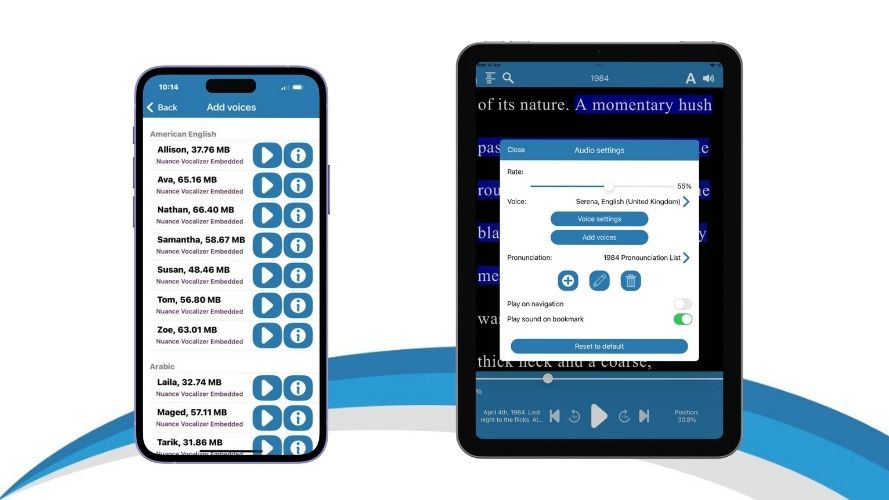
EasyReader Premium gives you access to unlimited reading voices, which you can sample and select in the app.
Choose from a range of high-quality reading voices, which are provided by Nuance Vocalizer, available across multiple languages.
Import Text-based PDFs
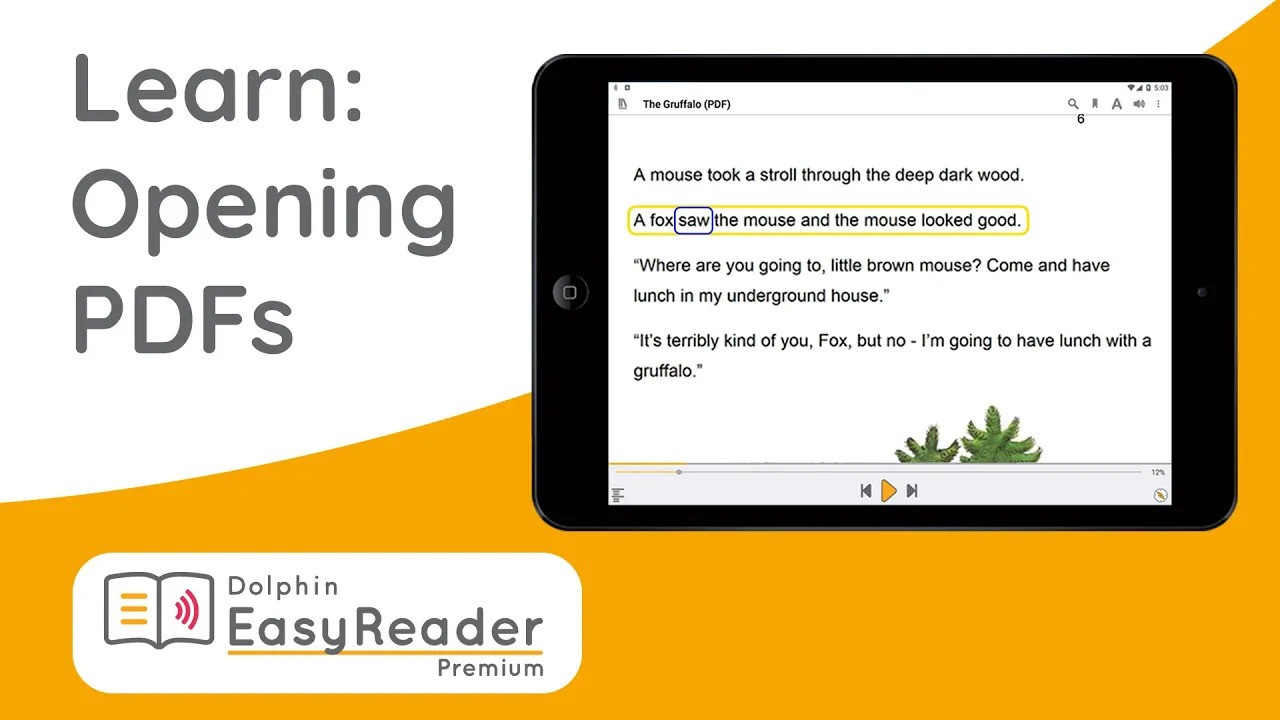
Make PDF resources accessible by importing them into EasyReader.
You can read PDFs in their original layout, or switch to text-view to read with your preferred fonts and colours.
Detailed Image Descriptions
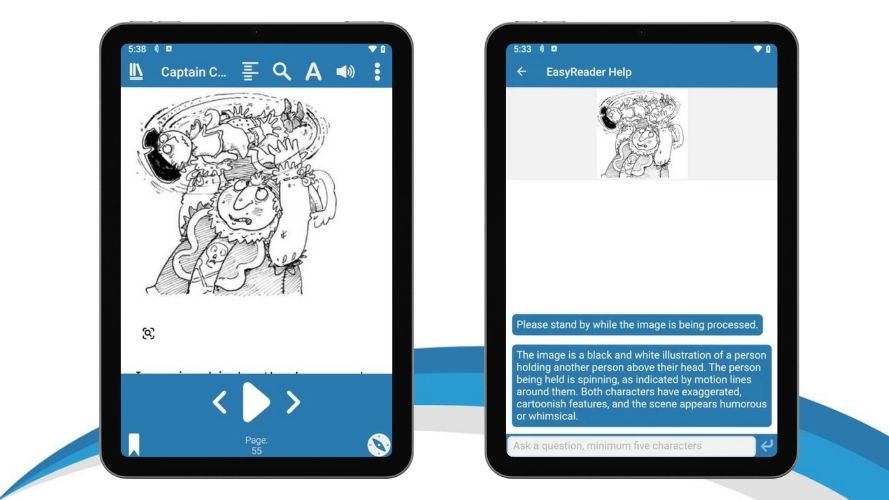
With EasyReader Premium, vision impaired readers benefit from highly detailed, AI-generated description of images in books and documents in a single tap.
Tap on an image in any book you're reading in EasyReader App and the integrated AI technology provides an instant in-depth description.
If you'd like further information, simply ask more questions and it is instantly provided, to give you a fuller picture of what is displayed.
EasyReader App for Mac
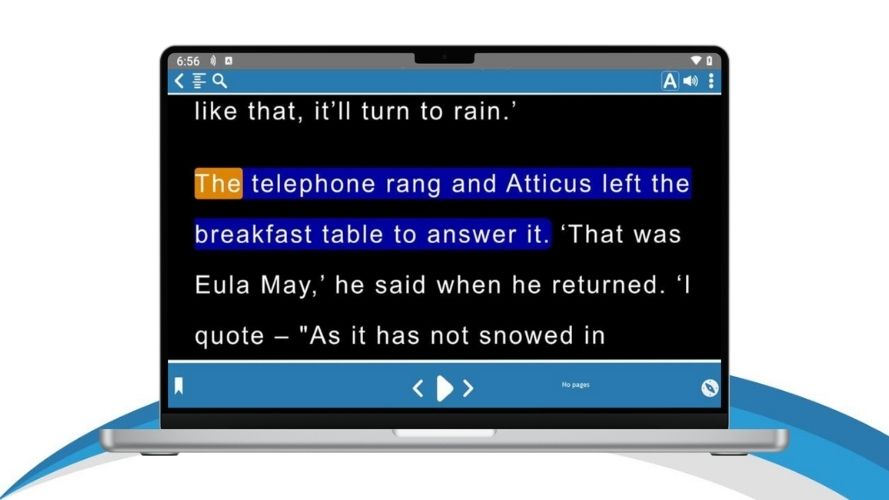
Exclusive to EasyReader Premium plan, you can download and read with EasyReader App for Mac.
All the premium EasyReader features are available, including reading across devices, additional file imports and clipboard texts, high quality reading voices and more.
Download the free EasyReader App for Mac today from the App Store.
Import Personal Files
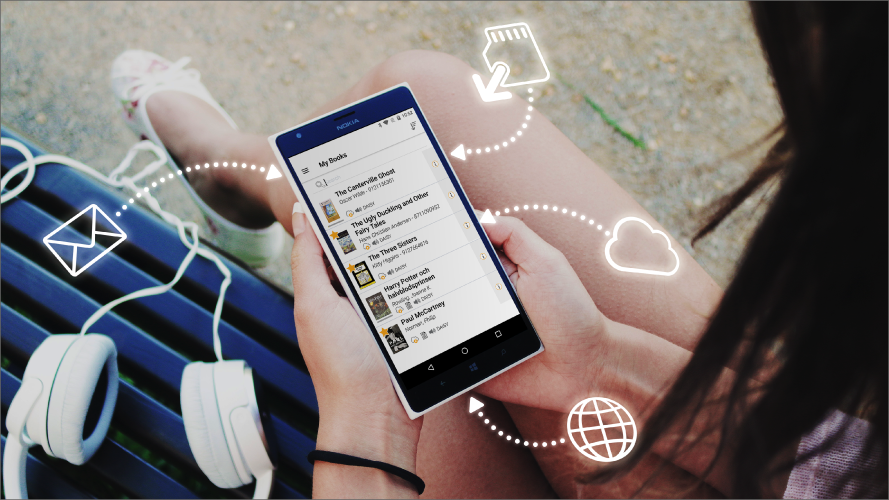
EasyReader Premium allows you to import as many files to EasyReader App as you like. This includes class files in Word, text, ePub and text-based PDF formats. To read with accessibility features on any device.
You can import files saved to your device, or sign in to Google Drive or Microsoft OneDrive for direct access to files saved on the cloud.
Extra import options for Windows
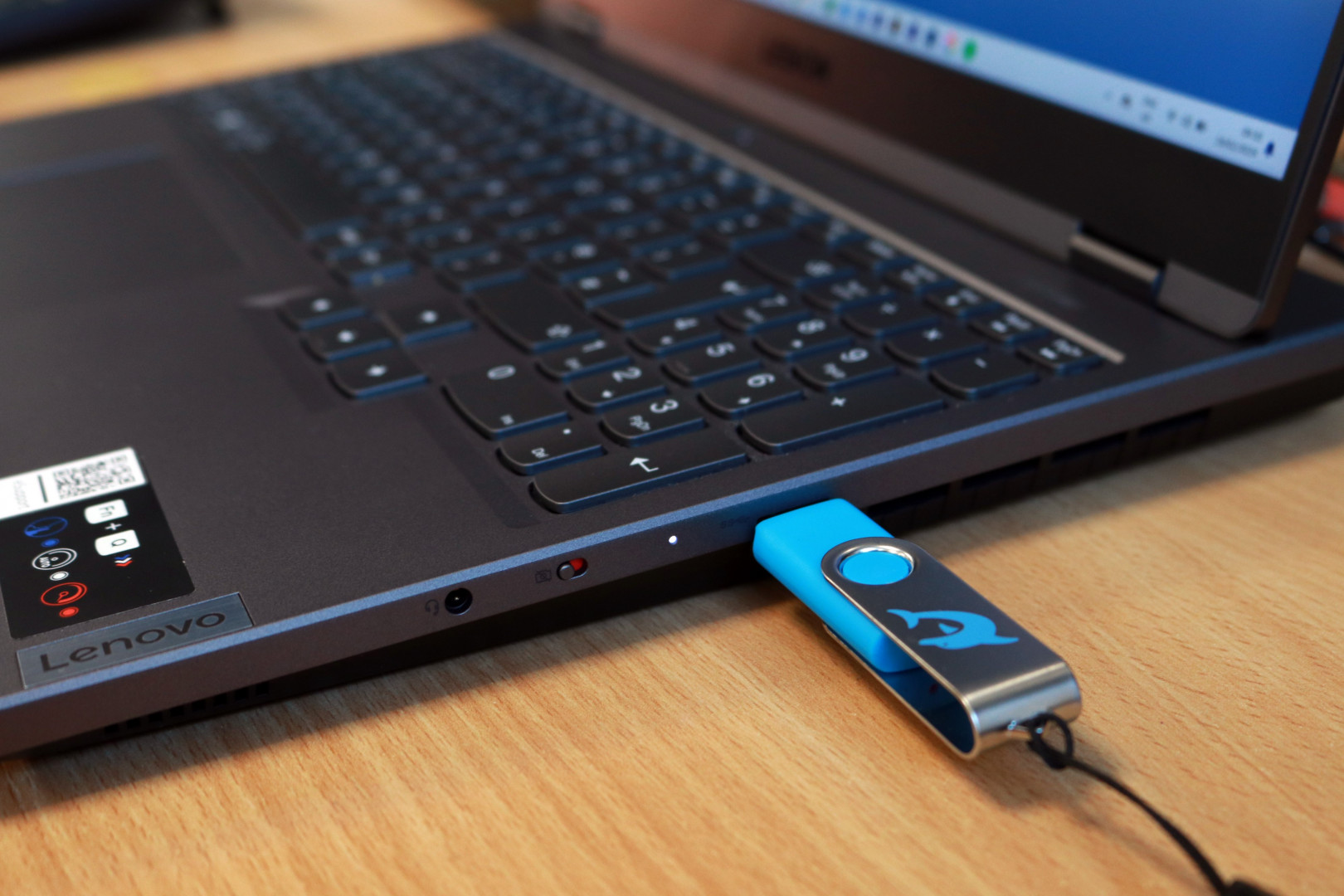
Customers with EasyReader Premium can use EasyReader App for Windows, benefitting from more ways to import Word, text, ePub, DAISY or text-based PDF files into EasyReader, to read with customised accessibility settings.
This includes options to:
- Import files from a connected USB drive
- Set up a folder monitor. This will automatically show any files saved to a personal folder on your device or a shared folder on a server.
Unlock Powerful New Learning Tools
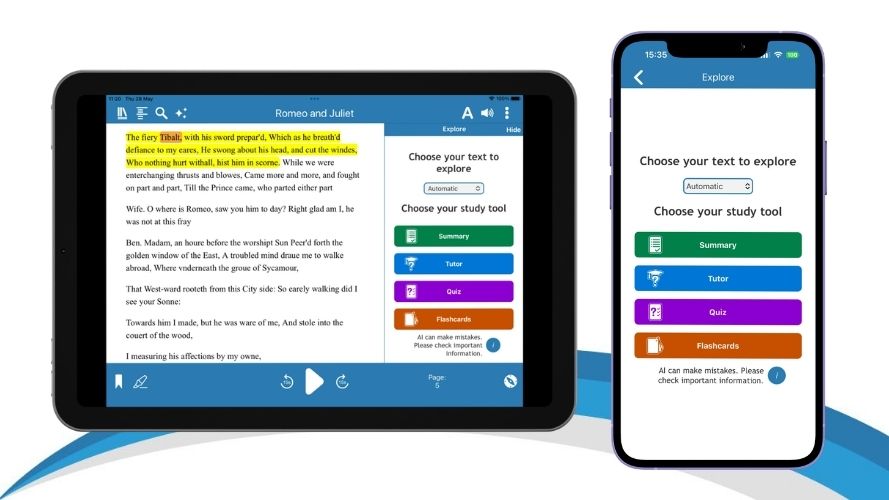
Exclusive new Explore tools are available with EasyReader Premium. These open up exciting learning opportunities for people with dyslexia, vision impairment and additional reading needs.
These new AI-powered study and revision tools empower SEND students to achieve their academic goals, enabling them to study and revise independently. They strengthen understanding, deepen comprehension and improve revision practices.
If your school, college or university would benefit from using EasyReader Education for all students, encourage them to take a free 30 day trial, and open up accessible reading to all students.