
 United States
SuperNova Magnifier & Speech 25.02
Released:
Languages supported: Arabic, Arabic (France), Belgian (Dutch), Belgian (French), Chinese (English), Czech, Danish, Dutch, English (Australia), English (Canada), English (South African), English (United Kingdom), English (United States), Finnish, French, French (Canada), German, Greek (English), Hebrew, Italian, Norwegian, Polish, Portuguese, Portuguese (Brazilian), Slovak, Spanish, Swedish, Swedish (Arabic), Swiss German, Welsh
Please note: The features and improvements listed on this web page are available in SuperNova Magnifier and Screen Reader. Some features are not available across all SuperNova editions.
Introducing SuperNova version 25.02
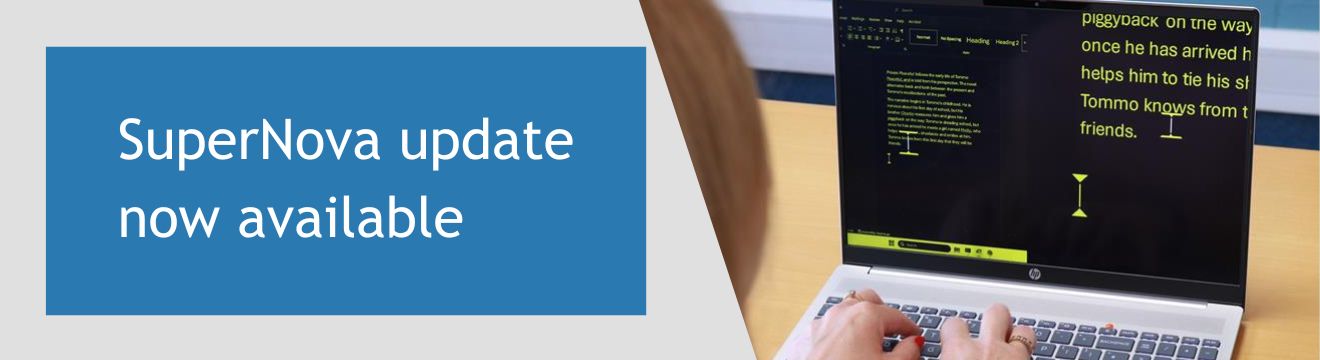
We are pleased to announce that SuperNova version 25.02 is now available.
This release focuses on improving reliability, compatibility and everyday usability.
It ensures you have the best, most accessible experience when you use SuperNova to access the Windows applications that matter the most to you - at work, in education and at home.
What's New in Version 25.02
Core Features and Usability
New! Magnification size 4.5.
To give users more flexibility when choosing comfortable zoom levels, an additional magnification level in size 4.5 is now available.
New! More complete backup and transfer of user preferences.
For greater flexibility, exporting and importing SuperNova User Settings now include:
- Custom Hotkey files
- Custom exceptions dictionaries
Please note: These are created by users in the SuperNova “Voice and Language Configuration” page. Exceptions dictionaries created within a TTS engine such as the Orpheus TTS interface are not included.
Improved: Faster and more reliable access to the Windows Start menu.
Magnification and Speech is now more responsive when exploring the Windows Start Menu.
Application Support
Improved: More reliable use of Google Chrome.
Improved accessibility experience when using SuperNova to access Google Chrome. SuperNova now uses an updated detection method, delivering better consistency and interaction.
Improved: More reliable email composition and reading in Thunderbird.
Your experience composing, reading and navigating email messages in Thunderbird is more reliable and accessible and works as expected.
Improved: Better navigation in Microsoft Word.
SuperNova now reads characters correctly when navigating links that span multiple lines.
Improved: Smoother keyboard navigation in Microsoft Office.
Experience improved responsiveness when using the keyboard to navigate Microsoft Office applications.
New! Secure file transfer made accessible with WinSCP.
SuperNova now works with the Windows Secure Copy (WinSCP). This enables more reliable access to secure file transfers between local computers and remote servers, using this free, open-source file manager and transfer client for Windows.
New! Accessibility for REAPER application
You can now use SuperNova accessibility features when using the REAPER digital audio production application. This helps make recording, editing and producing audio a more accessible experience.
Windows and System Experience
New! Access to popup menus within Windows notifications.
Popup menus embedded in notification balloons are now spoken, allowing full access to their options.
Improved: Announcements on the Windows Lock screen.
In the Windows Lock Screen, the password field is now correctly tracked and announced, to make it easier and more accessible when you sign back in to Windows after you lock your screen.
Improved: Visual accuracy in complex display scenarios.
Scaled or rotated text now displays correctly across applications when using SuperNova magnification. This includes confirmed improvements when using Print Preview in Visma Administration 2000.
Improved: Stability and performance
A number of improvements have been made to improve performance and ensure your SuperNova experience remains stable. This includes fixes for reported memory leaks in UI Automation scanning, the off-screen mode and Windows 11 graphics capture.
SuperNova Enterprise
New! More reliable use of SuperNova in Microsoft Remote environments.
SuperNova magnification and screen reading is now available for the Microsoft 365 App Remote Console. It enables you to easily operate SuperNova Enterprise for the most accessible experience through updated Terminal Server Clients.
Improved: The configuration tool ‘Enterprise Config’ has now been updated. This now uses the new SuperNova startup method.
Fix: Remove instances of message reporting another user was running SuperNova on startup.
Fix: Removed Notifications option, as this legacy feature is no longer supported.
Improved: Better Smart App Control compatibility in Windows 11.
SuperNova is now fully compliant with Windows Smart App Control (SAC) requirements.
Braille, input and device behaviour
Fix: Corrected Braille table display.
The display name of the “Akkadian (Borger) grade 1 (LibLouis)” has been corrected to include the missing left parenthesis. Braille output behaviour continues to work as expected.
Improved: Making the whiteboard more accessible in class
To ensure vision impaired students are set up and ready to learn with SuperNova in class, SuperNova users can go straight to viewing the Whiteboard, without trying to load a camera first.
Fix: Improved experience with SuperNova Highlighting
SuperNova Highlighting now correctly tracks the cursor when working in HTML edit fields. This issue relates specifically to SuperNova Profiles that do not include the use of Dolphin Cursor.
Updating to SuperNova and Dolphin ScreenReader 25.02
Existing customers with a valid Software Maintenance Agreement SMA or SuperNova Upgrade Plan SUP will receive a message when they start up SuperNova to notify them when the 25.02 update is available.
If you do not have a current SMA, or you are running SuperNova 24 or before, we recommend you upgrade your licence and purchase an SMA for the best accessibility experience.
To upgrade to version 25, please contact the Dolphin office if you're in the UK. If you are based outside the UK, please contact your local Dolphin Dealer.