
 United States



Send and Receive Video Calls
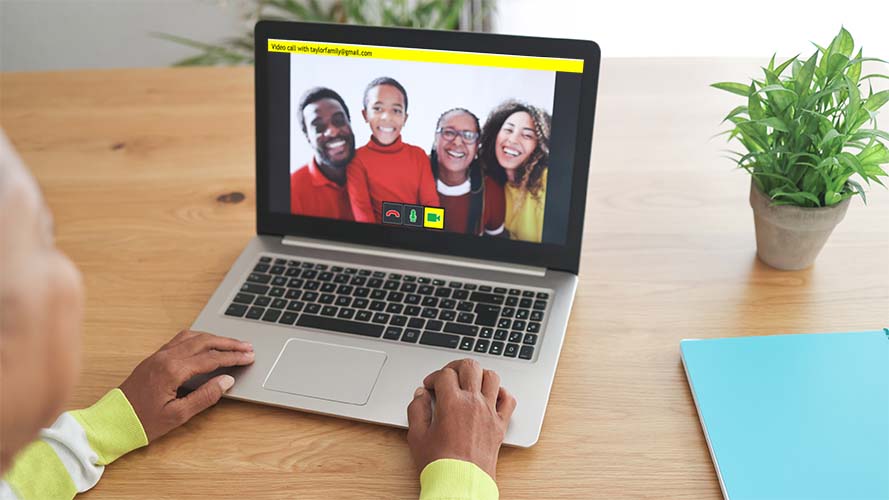
Use accessible video calling in GuideConnect to connect with loved ones on screen.
Your trusted contacts can video call you through the Dolphin Friends & Family Video Calling feature.
Accessible and easy to use, simple step-by-step menus in GuideConnect help people who are new to technology easily navigate different tasks.
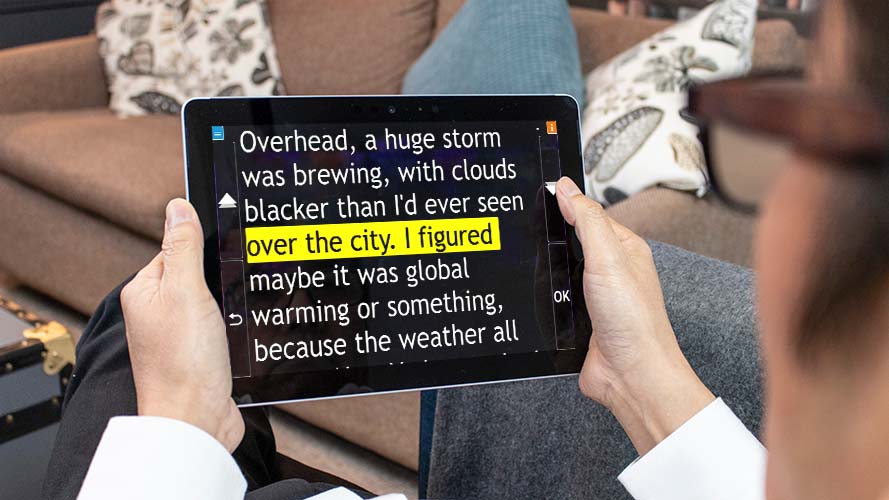
The menu options in GuideConnect are designed with care, to be accessible to more people with low vision and partial sight. Text and icon sizes are easy to customise for different sight levels, while high-contrast colour schemes further improve viewing comfort. For people who are blind or have sight that fluctuates, human-sounding voices guide you through all the options on screen.
A choice of controls and devices are available to suit each person’s technical experience and mobility.
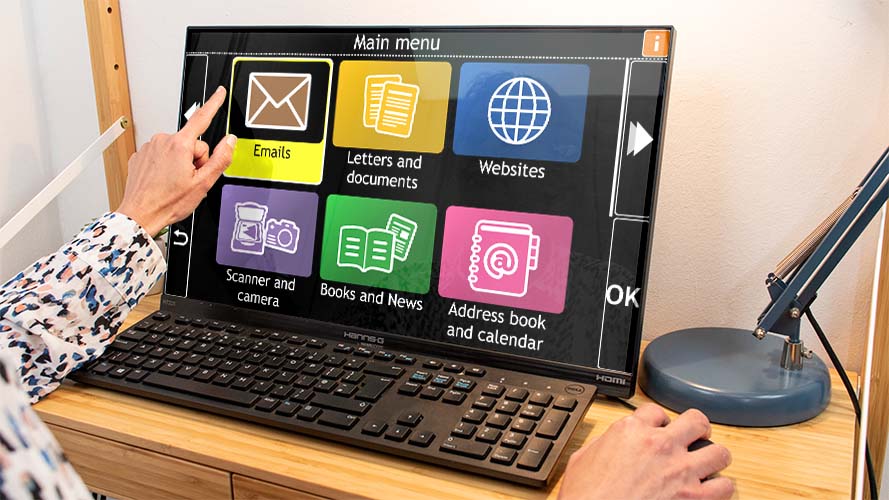
Use accessible video calling in GuideConnect to connect with loved ones on screen.
Your trusted contacts can video call you through the Dolphin Friends & Family Video Calling feature.

Read your emails aloud or magnify to read on-screen.
Type or dictate emails and send to the contacts in your address book.

Use 'Scan & Read' feature in GuideConnect to read your printed letters.
Type or dictate letters to send via email or print and send in the mail.

Type or dictate documents and read them on screen with magnified text or speech.
Read PDF documents on screen in their original layout or a text-only view. Scan and read image-based PDFs and complete PDF form fields.
See these features in action with our video tutorials.

Simple controls help you explore the internet. Magnify websites on screen and have the text and button information read aloud.

Scan printed articles or letters and use GuideConnect to read them back to you. You can also view a magnified version on screen.

Save digital images or take your own photos to view with magnification on screen or hear image descriptions in vivid detail.

Download digital, accessible versions of your favourite daily newspapers and magazines, through services such as RNIB Newsagent.
See these features in action with our video tutorials.

Add in appointments, birthdays and other special occasions. You can also set reminders, so you never miss an important date or party.
Save contacts, their address, phone numbers and email addresses. Choose a contact to send an email, write a letter or make a video call.

Type or dictate text notes such as shopping lists and other things you need to remember. Record audio notes and send to friends by email.
See these features in action with our video tutorials.

View online TV and film services such as BBC iPlayer and Netflix. Please ensure you have the appropriate licence or subscription.

Download and read books using speech or magnification from accessible book libraries such as RNIB Bookshare and Calibre Audio.

Play accessible versions of Hangman, Sudoku or Blackjack on GuideConnect with high contrast graphics and speech settings.

Enjoy your favourite radio stations, or play music from a CD or digital music file.
Listen to the music you enjoy through your computer or TV speakers.

Discover a wide range of podcasts when you check the Top Podcasts in your country. Add your favourites and listen through your computer or TV.

Read the latest headlines in your region with the RSS News feature. It lists all the latest news articles available, for you to select and read online.
See these features in action with our video tutorials.
Whether you’re new to technology, or an experienced user who needs some pointers, we provide help when you need it.
For the best experience ensure you have an active GuideConnect Upgrade Agreement (free for your first year, annually renewed thereafter) for full access to Dolphin telephone and remote support and regular product updates.

Self-service Online Support is always available at the Dolphin website.
Email [email protected]
If you have an active Upgrade Agreement call support on 01905 754 577

Click on the ‘i’ icon in GuideConnect to access help, tutorials and training.
Use the new 'Ask a Question' function and type your product query for instant answers and straightforward instructions.

Simple show and tell videos to guide you through each function.

New GuideConnect purchases come with 2-hours free training with a Dolphin trainer (UK and US only. This must be used in first year).

Sign up to Dolphin newsletters and you'll be the first to hear about new features, improvements and offers as soon as they are released.

Keep your GuideConnect Upgrade Agreement up-to-date to automatically receive updates, new features, improvements and security updates and access to UK telephone support.
GuideConnect makes everyday activities easier to help you stay independent, connected and entertained.
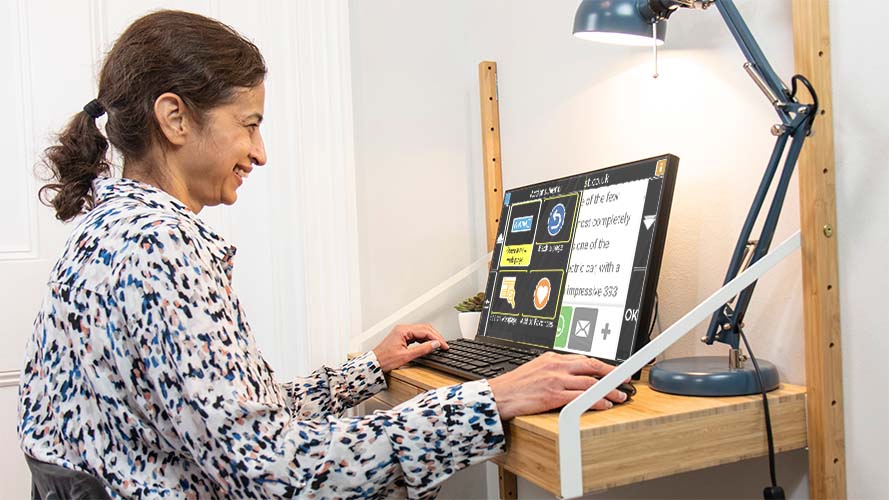
Dolphin values your privacy and dignity as essential to independent living.
GuideConnect lets you take control online — browse websites, enlarge on‑screen information, or use speech to hear text read aloud.
With Scan & Read, you can scan printed documents and GuideConnect reads them back instantly. Access private information such as doctors’ letters, medicine labels and personal correspondence independently and with confidence.
In the UK, call Dolphin on 01905 754 577 to see if GuideConnect is right for you. Outside the UK, contact your local Dolphin Dealer for support.
GuideConnect puts you in control of every image. The new Describe Images feature in the Actions Menu uses AI to give vivid descriptions of photos, pictures and printed images - from people and objects to colours, text and even handwriting.
Want more detail? Simply type a question and GuideConnect answers it instantly.
Describe Images is available with an active GuideConnect Upgrade Agreement. Renew or purchase your agreement today to unlock this powerful accessibility feature. Find out how Dolphin uses AI in a responsible manner.

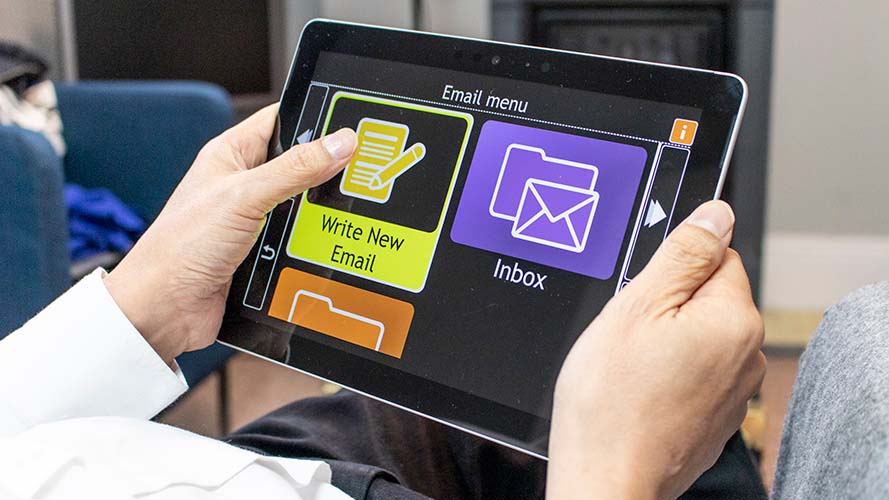
GuideConnect has many ways to help you stay in touch with the ones you love, as well as giving you the means to correspond with formal contacts.
Read any emails you receive in a magnified view on screen, or if you prefer, you can read them aloud with the speech function. You can also type emails, documents and letters with the keyboard. Alternatively, if you prefer to talk rather than type, you can use voice input to dictate letters, documents and emails.
To read printed articles such as letters, documents or magazine articles, attach a scanner to your computer and use the Scan & Read function. You can then choose to read with speech or enlarged text.
Use GuideConnect Video Calling to stay in touch with loved ones. It’s a wonderful way to connect and chat with different members of your family – particularly those with smartphones – and it is free for them to video call you, too.
GuideConnect Video Calling is designed to be fully accessible for people with visual impairments. It means your family can contact you on GuideConnect, using the Dolphin Friends & Family Video Calling Service.
There is plenty to keep you entertained in GuideConnect!
You can access thousands of books in audio formats through accessible book libraries such as RNIB Library, Bookshare and Calibre Audio.
GuideConnect also provides access to talking newspaper services, so you can listen to daily newspapers and your favourite magazines.
Set up memberships to accessible libraries in your country today for free access to books, newspapers and magazines to read in GuideConnect.
With GuideConnect, choose the Entertainment Menu to access radio stations and listen to your favourite shows.
You can also find and listen to podcasts – similar to talking radio shows – to hear more about the subjects you enjoy. There are lots to choose from, so you'll always find a podcast that talks about the things you enjoy, from comedy to gardening, business to entertainment, family to politics! Discover the most popular podcasts, add your favourites and listen through your computer or TV.

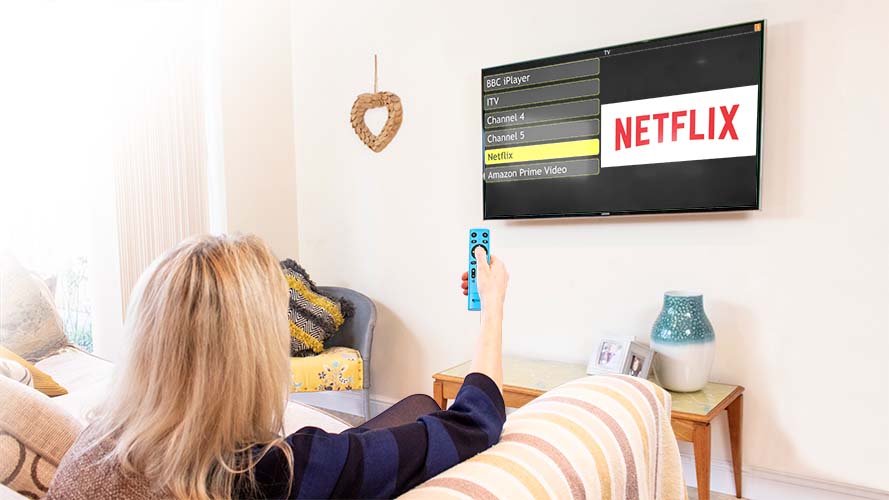
You may also use GuideConnect web browser to access television programmes and film through online services such a Netflix and BBC iPlayer, when you have the required subscription or TV licence.
Games are new to GuideConnect and you can play Sudoku, Blackjack and Hangman on your screen. The games include text-to-speech and high-contrast colours to help make them accessible and enjoyable for people who are blind or partially sighted.
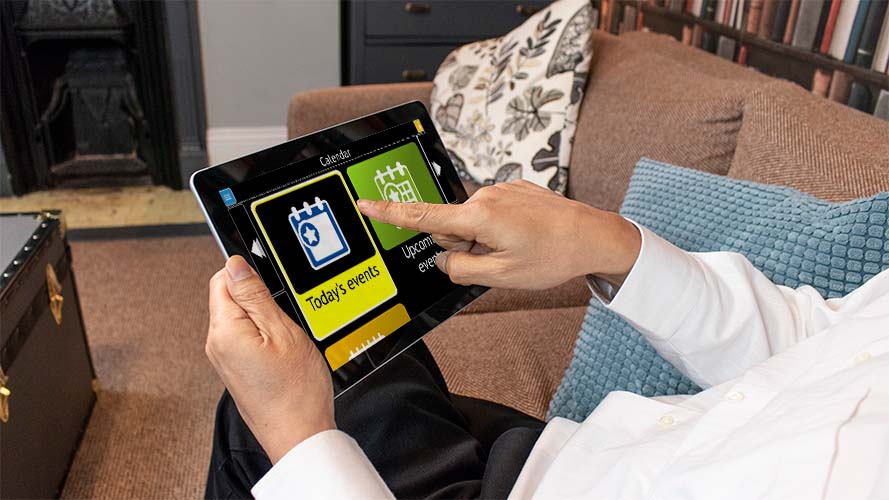
When you use GuideConnect as your personal organiser, the calendar and notes functions mean you’ll never miss an important date, a party or anyone’s birthday!
Reminders and notes are easy to set in the calendar, and the GuideConnect address book is straightforward to complete, so you can quickly email and video call your loved ones whenever you want to get in touch.
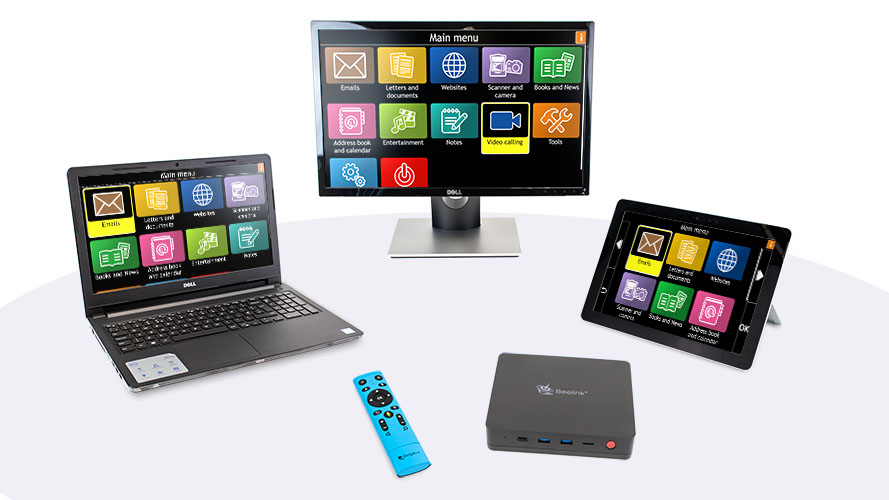
GuideConnect is available on a range of different devices. Choose one that suits your lifestyle and your experience of technology:
If you already have a Windows 11 device, you can purchase GuideConnect software and upload to your own device (including Windows tablets).
We also offer a range of GuideConnect packages which include GuideConnect software, a choice of devices and a range of accessories. The most popular way to use GuideConnect is through a box which attached to your own TV, that you can operate with the Dolphin Remote Control. Contact us to find out more on 01905 754 577.


